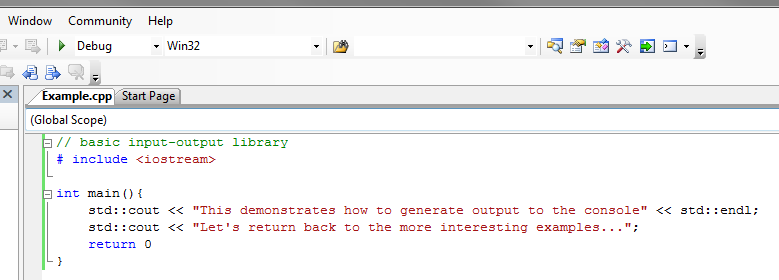
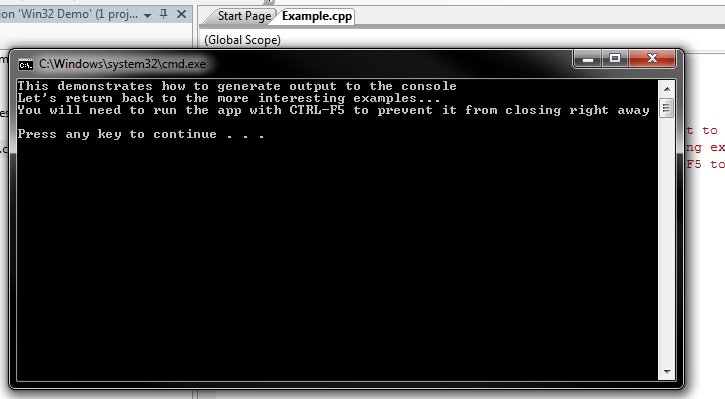
This article outlines the basics to application development with Visual Studio 2005.
New Win32 projects
Start a new project as a Win32 project:
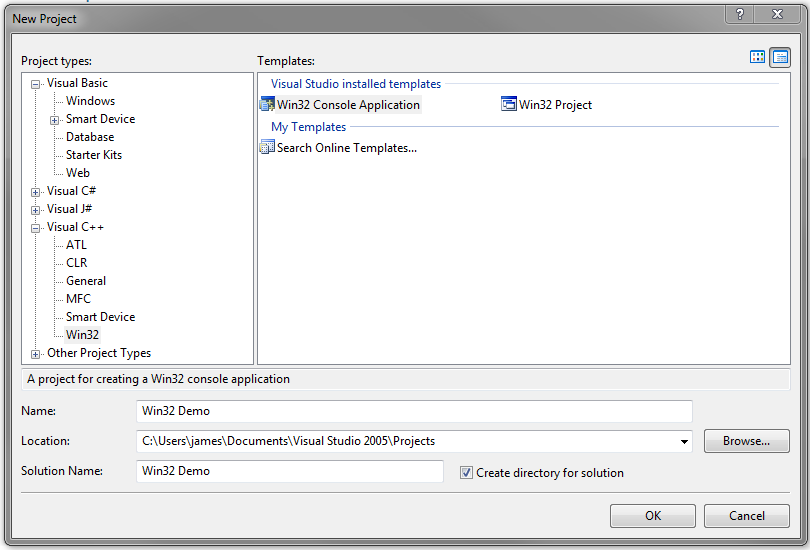
In the above case, the Solution represents the combination of programs and related resources intended to solve a problem. For basic C++ applications, choose an empty project:
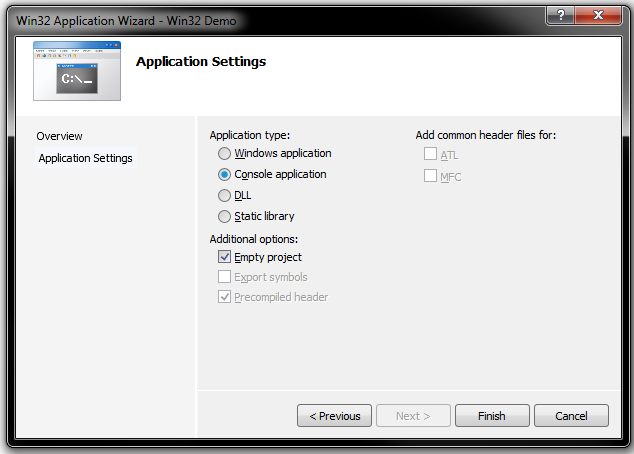
To add project files, right-click on the Solution Explorer as appropriate.
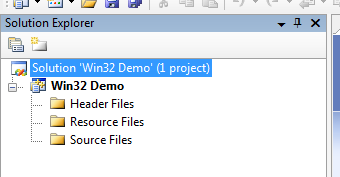
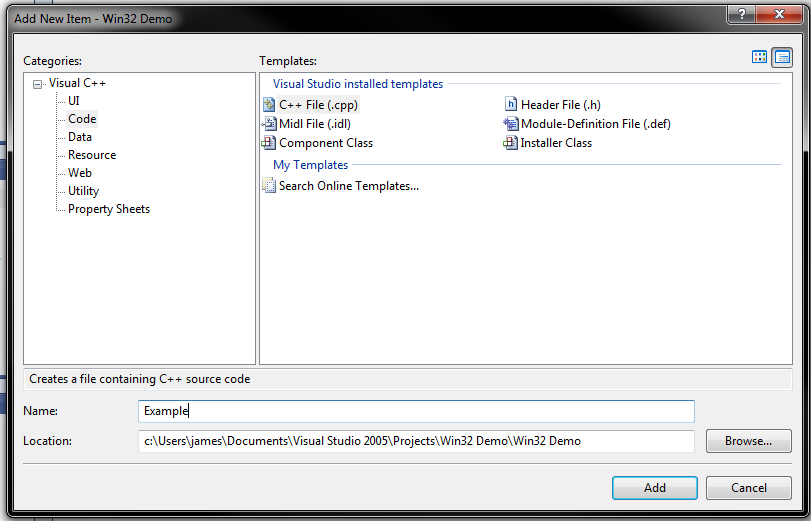
Add a C++ source file:
Generally, one builds a debug version of the application (to allow for debugging and tracing) and, later, a release version of the application that is more optimal. Clicking the green arrow will build the application, open and (in this case) close the app. To prevent the app from closing right away, enter CTRL+F5 instead.